scpmkj@gmail.com
Get A Free Quote


 share
share
It is believed that many customers may have encountered situations where the laser inkjet printer is unclear when using laser inkjet printers (also known as laser printers or laser marking machines). For example, when marking on metal, they find that the fonts or codes printed by the laser are incomplete or unclear. Generally, when encountering this situation, you need to do a troubleshooting first to determine which link the problem occurred. Next, Weidijie will introduce you to some reasons that may cause the laser printer to be unclear:
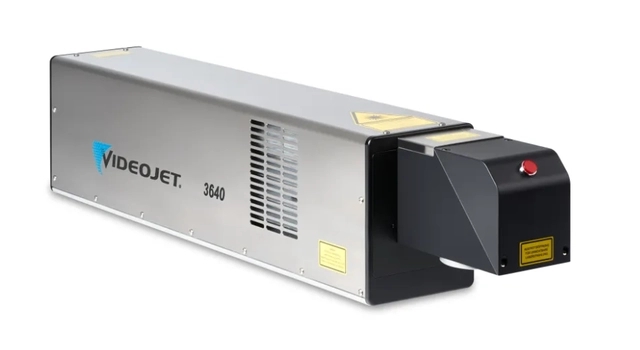
The laser marking machine system is set incorrectly or the parameters exceed the allowable marking range of the equipment. It is recommended that you first check whether the settings of the coding software parameters are normal, including laser power, frequency and other parameters. Too high or too low will lead to unclear coding.
Whether the printing distance (focal length) of the laser is normal. Only when the laser marks at the focal length position can the best marking effect be achieved. During on-site use, it is sometimes believed that moving the laser holder changes the printing distance, resulting in unclear markings. Use a tape measure to measure the distance from the laser scan head to the printed product to ensure that the printing distance is consistent with the nominal value of the configured laser lens.
Inspect and clean the laser lens. The laser will produce smoke during the marking process. If the smoke is not exhausted in time, or the dust in the environment is relatively large, the lens may be polluted, and the light spot guiding the laser will become weaker and worse, resulting in unclear typing by the laser coder. The laser lens needs to be inspected and cleaned regularly on site, and special cleaning agents and lens cleaning cloths are used to clean the laser lens.
The external power supply voltage is unstable. Insufficient external power supply or unstable voltage may also cause unstable marking. Check the external power supply voltage and laser ground.
If you cannot solve the problem through the above troubleshooting methods while using Weidijie laser inkjet printer products, then it is recommended that you consult Weidijie's expert after-sales team for technical support and after-sales service.






