scpmkj@gmail.com
Get A Free Quote


 share
share
In the production process of labeling, most of it used to be manual. Manual labeling took up a lot of labor and was costly, and the recruitment and management of personnel were not so easy. The production of fully automatic adhesive labeling machines solves this problem well. As long as machine operators with certain skills are trained and an appropriate number of automatic labeling machines can replace manual work to complete large-scale re-labeling work.
Manual labeling is difficult to ensure the quality and effectiveness of labeling, but fully automatic labeling machines make labeling of products simple. In modern product society, people attach great importance to the appearance and packaging image of products. If the quality of the labels is poor, it will be difficult to attract consumers 'desire to purchase. The position of the product pasted by the labeling machine is more accurate, the surface is very flat and has no wrinkles, and the product will be more beautiful and generous.
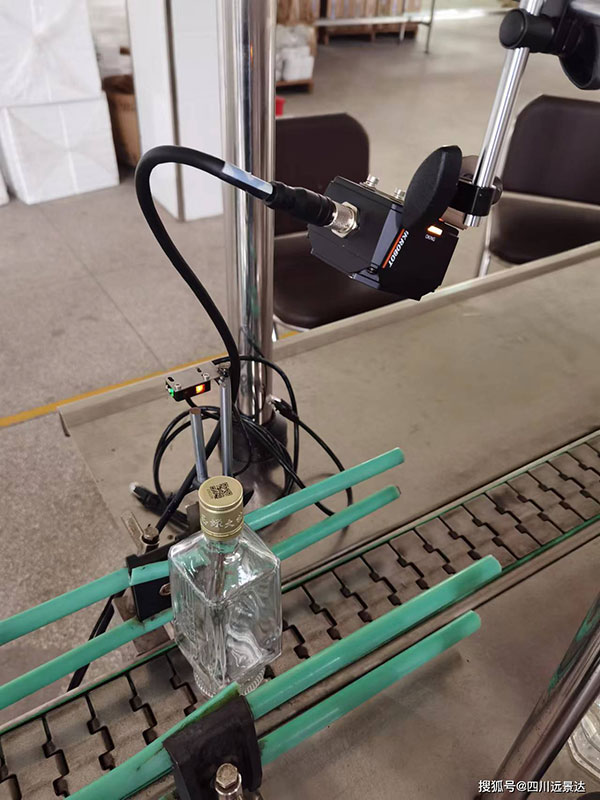
Fully automatic labeling machines meet the needs of modern enterprises with high efficiency. With the advancement of technology, labeling machines have strong vitality, high competitiveness and strong product labeling efficiency, which can reach thousands or even tens of thousands of times per hour.
Operating procedures for adhesive labeling machine:
Adhesive labeling machines must be inspected after and after use to ensure that unnecessary errors do not occur in production.
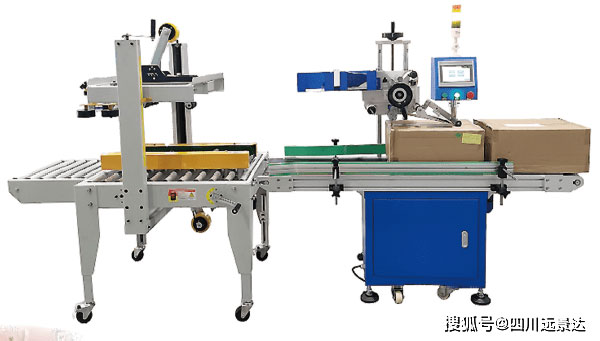
1. Preparations before starting up
1. Check the cleanliness of the studio, remove excess items and whether the labeler is in working condition.
2. Adjust the distance between the peeling plate and the bottle body to reach a distance of 1.5-3 mm. Too close will cause friction between the label base paper and the bottle body. The label paper will easily break. If the distance is too large, the label cannot be adhered to the bottle body normally.
3. The main solution to adjusting the distance between the labeling roller and the peeling plate to 1.5-3mm is to solve the problem that the labeling roller does not roll the paper when the label is not marked.
4. Check the tightness between the bottle body and the labeling roller, and properly check the pressure of the bottle body. If it is too loose or too tight, adjust the labeling baffle and the lifting wheel of the labeling roller holder.
5. Place the label paper on the label paper roller, then adjust the peeling plate and marking shaft through the printer ribbon, groove sheet, and electric probe, and start the machine and power supply status.
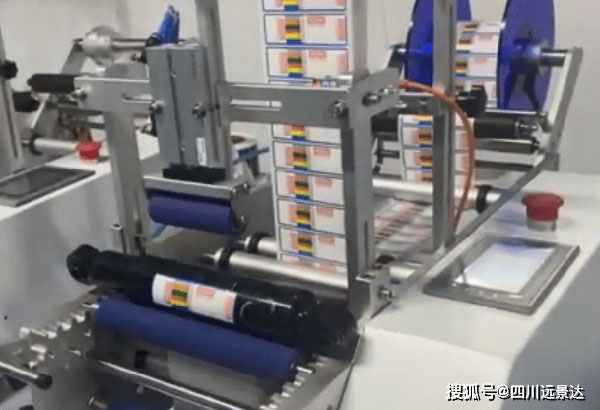
2. Preparations after starting up
1. Turn on the power supply, the warning light is on.
2. Heat the typing of the printer, adjust the knob to the high position, print the batch number clearly within 3-6 minutes, adjust the knob to the second position, and operate according to the standard operating procedures of the thermal printer.
3. Check the sensitivity of the photoelectric head, check the photoelectric detector of the sticker labeling machine bottle, and use a barrier on the photoelectric detector head.






