scpmkj@gmail.com
Get A Free Quote


 share
share
01 Daily maintenance of nozzle
1. Remove the nozzle cover and clean the nozzle, ensuring that the area around the nozzle is cleaned.
2. Lift the self-reversing nozzle and wrap the part connected to the nozzle tube with a water-absorbent material, then hold the nozzle with your hand, press the "enter" button on the operation interface to start the nozzle cleaning operation.
3. Spray a small amount of diluent onto the inverted nozzle. The diluent on the surface of the nozzle will be sucked in by the nozzle hole and then flow back into the ink system. Repeat spraying diluent onto the nozzle until the diluent can no longer be sucked in.
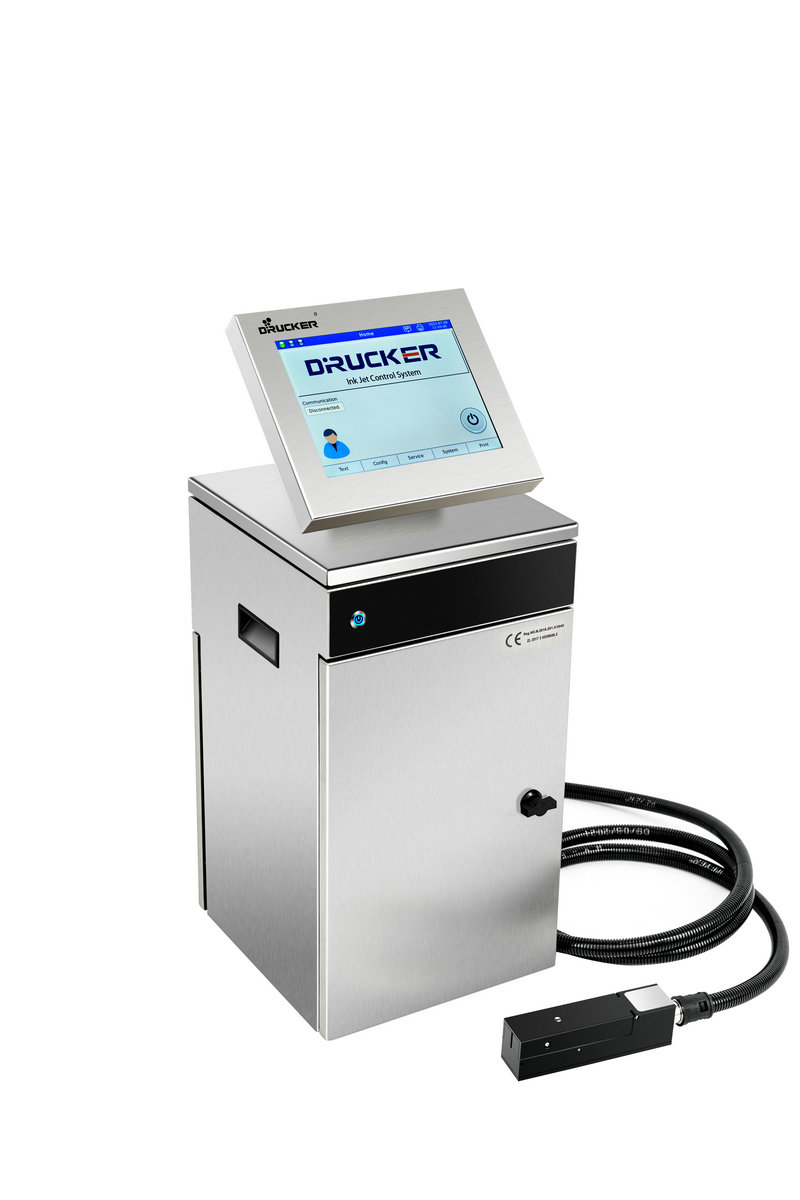
4. You can only perform the nozzle cleaning procedure three times on a daily basis. Try to start the spray after each cleaning. If you encounter a cold blocking situation, you can clean it a few more times. If the nozzle is not blocked after 10 cleaning times, the nozzle will need to be replaced or repaired.
5. After cleaning, wait a few more minutes for the nozzle to completely dry. Pay special attention to no residual diluent between the nozzle and the charging electrode. If there is, you can turn the cleaning bottle upside down and blow dry the nozzle and the charging electrode. Dilution between.
02 Understand nozzle clogging
1. There is an ink line appearing but the position deviation is not accurate
If this happens, you can directly operate on the inkjet printer to remove the fault. The specific solution is: remove blockages by exhausting air and flushing, open and close the nozzle many times continuously, and then flush the blockages in the nozzle. This situation is generally not too serious.
2. No ink line appears
When there is no ink line, it is generally necessary to remove the nozzle for cleaning. After cleaning, restart the ink line and confirm that it is inserted into the nozzle recovery tank to solve the problem.
If the above two methods fail to solve the problem, then it is important to carry out maintenance. It may be that there is an internal failure. The nozzle is blocked from cold because the filter is not replaced in a timely manner or the inkjet printer consumables used are substandard.






