scpmkj@gmail.com
Get A Free Quote

  • WHAT ARE YOU LOOKING FOR?
  • Total quantity you need
  • Due to email instability, you might miss our correspondence. Please provideyour phone number for alternative contact.
Laser inkjet printers do not type, and typing does not form shape. What is the reason why
Home > News > Laser inkjet printers do not type, and typing does not form shape. What is the reason why

Laser inkjet printers do not type, and typing does not form shape. What is the reason why

2026-01-11 Click: 13

Laser inkjet printers do not type, and typing does not form shape. The following is a brief introduction.


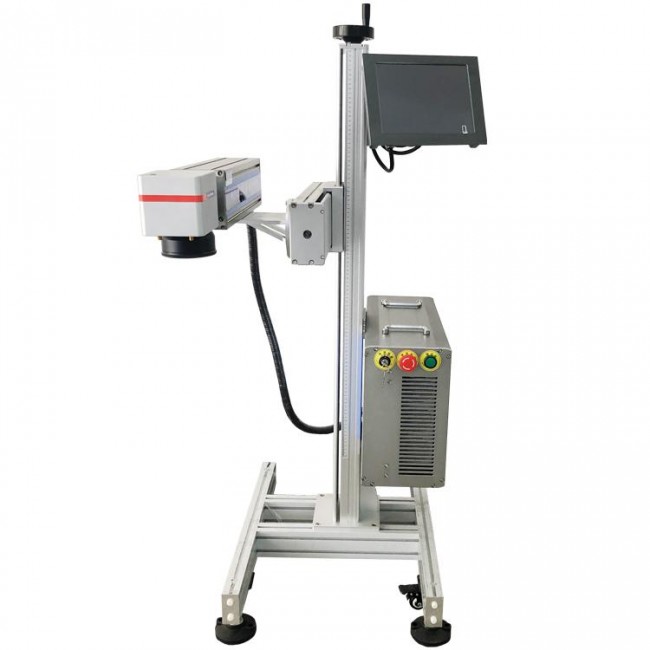
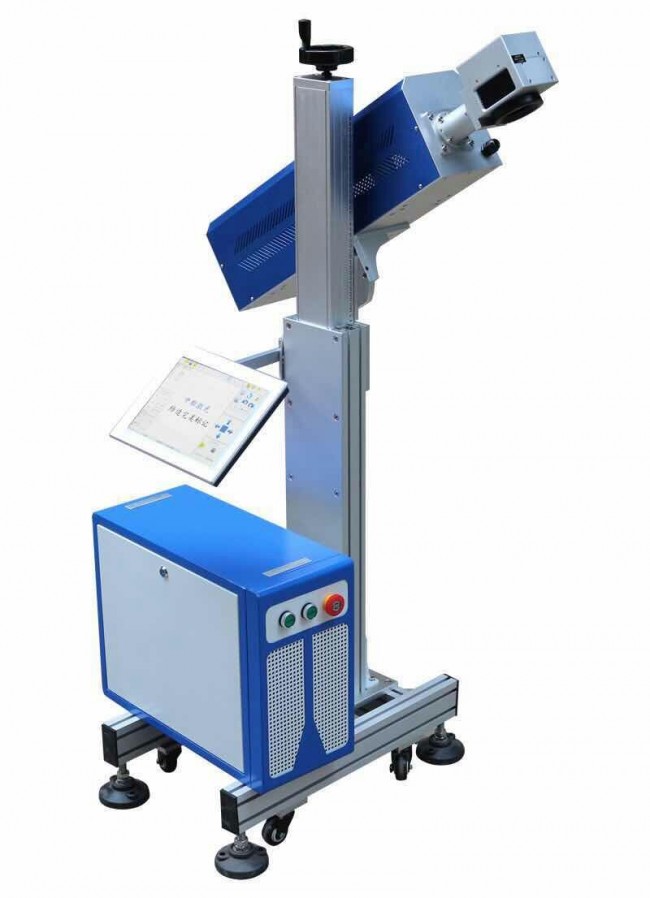
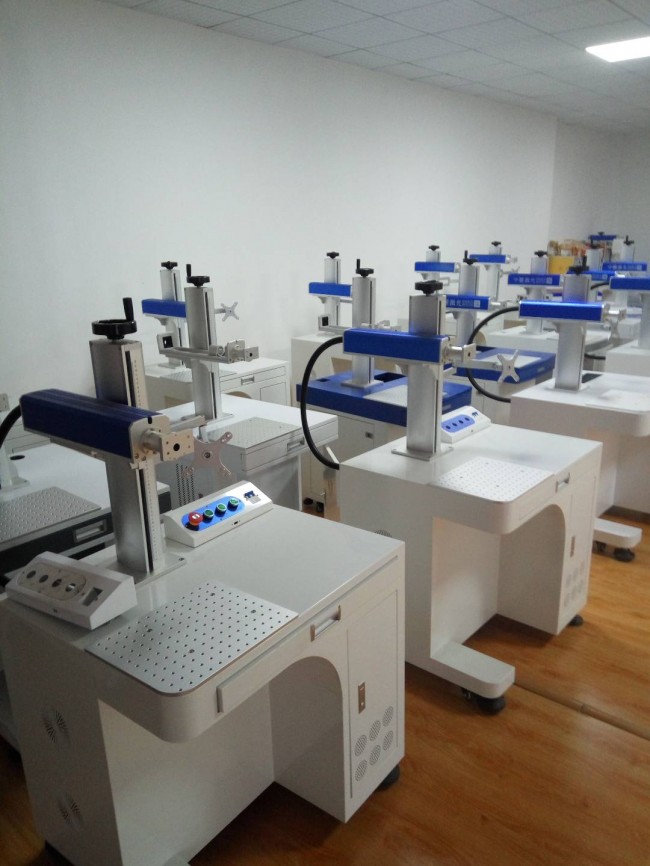
The laser printer does not type. First of all, we confirm whether the focal length is correct, the distance between the nozzle and the product, and whether the photoelectric sensor can normally sense the product. The static and dynamic coding settings are a little different. First, we confirm whether we are dynamic coding or static coding, whether the setting parameters are correct, whether the speed of the dynamic coding laser printer matches the conveying speed. The summary is the focus, speed, settings, and sensing. If all four are correct, Generally, the machine is not an electronic fault and should be able to type. If all the above are correct and cannot type normally, please contact the laser inkjet printer manufacturer for on-site maintenance. The above contents can only be referred to. The specific situation depends on the actual situation of the machine and contact the manufacturer.

dscvkvh13c233_20260111180354.jpg2r4eey4gcz134_20260111180354.jpgwjf5m3bvb3k35_20260111180354.jpg

Related Recommendations

Product FAQ
  • 1.What courier do you use for shipping?
    We ship via UPS Global Express
  • 2.Are you factory or trading company?
    We are a specialized manufacturer of inkjet printer and other related equipment in China, all products are manufactured by ourselves, and we have our own R & D team to serve you.
  • 3.ls there any warranty?
    Yes, We provide 12 Months Warranty.
  • 4.How can I choose the right machine?
    You can contact our customer service and they will recommend the most suitable one for your needs
  • 5.What can be printed on and in what size?
    The machine can print on paper boxes, plastic, metal, glass, wood, cloth and other materials; Machines are available in height 1.27 cm, 2.54 cm, 5 cm, 10 cm or larger sizes
  • 6.How many languages are there and can I add my own LOGO?
    The machine supports English/Arabic/Russian/French/Korean/Vietnamese/Japanese/Italian/Spanish/Bengali/Dutch/Portuguese/German/Greek and other languages;We can design your brand logo to customize the machine
  • 7.What I can print ?how many colors?
    You can print date, text, logo, variable data, batch number, QR code, serial number and other content. Red, yellow, blue, green, black, white and other colors are available.
scpmkj@gmail.com
+86 15900835508
+86 19136773235
+86 18979660480



