scpmkj@gmail.com
Get A Free Quote


 share
share
ESJ5680 inkjet printer is a white ink inkjet printer mainly designed for wire and cable inkjet printer. The ESJ5680 has many advantages in coding applications in the cable industry and can meet the special needs of coding machines in the cable industry. For example, the body made of 304 stainless steel can have strong dust resistance and corrosion resistance. At the same time, in the coding process of cable production, it also has the convenient function of accurately recording rice and quickly zeroing. Its ink has high adhesion and an automatic cleaning function. It can be operated very easily without manual intervention or strict training.
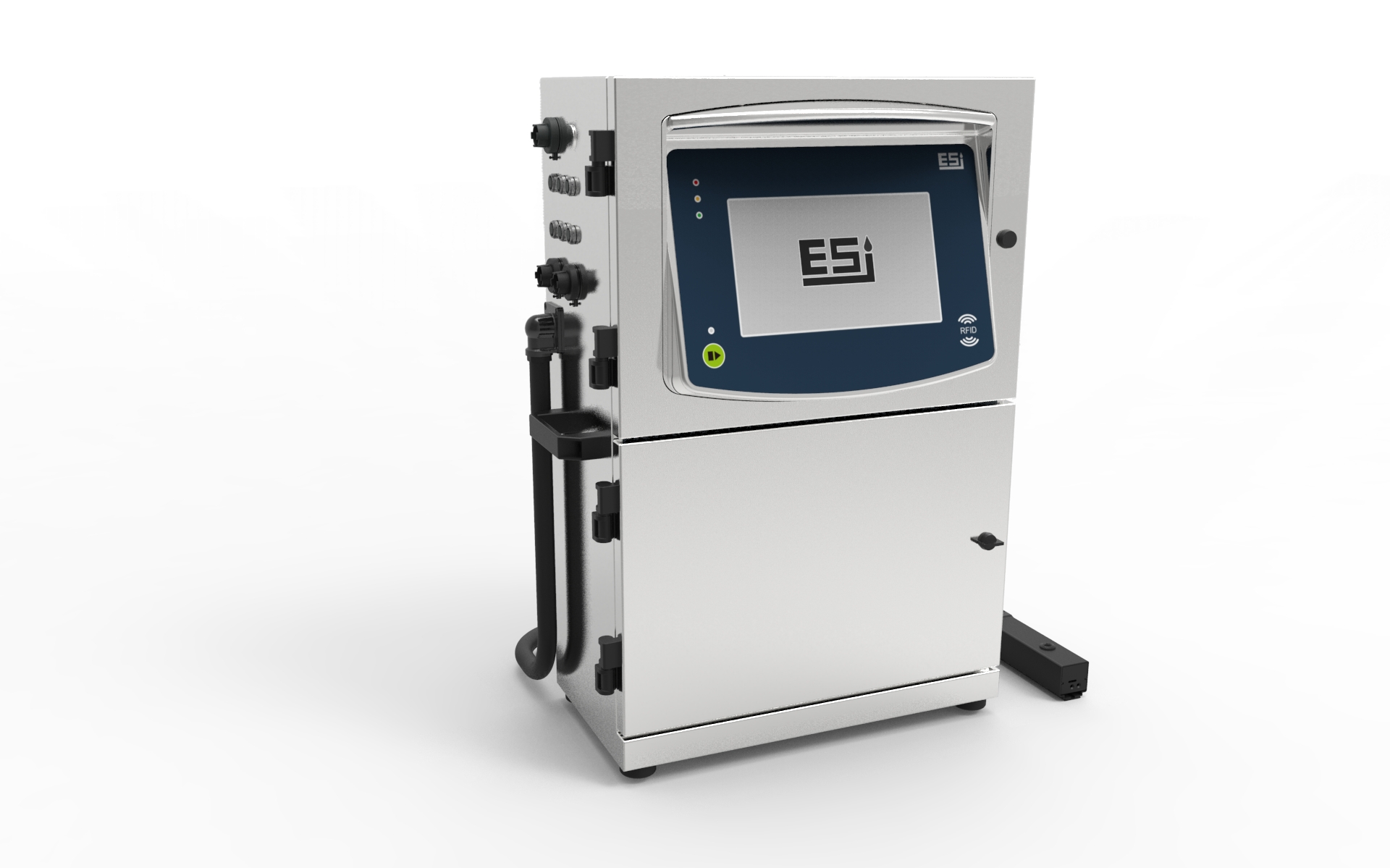
Today, I will share with you a summary of the fault handling of Eshijie ESJ5680 inkjet printer compiled through the after-sales maintenance experience of service engineers. The details are as follows:
1. Recovery pipe failure
1. Check whether there is an ink line flowing out. If there is no ink line flowing out, it is suspected that the nozzle is blocked, and perform the nozzle suction procedure;
2. Observe whether the recovery pipe is blocked;
3. If it is intact, the shielding fails.
2. Charging ink dot detection failure
1. Adjust the modulation voltage and observe whether the ink dot is split.
2. Clean the charging tank to keep it clean and fresh
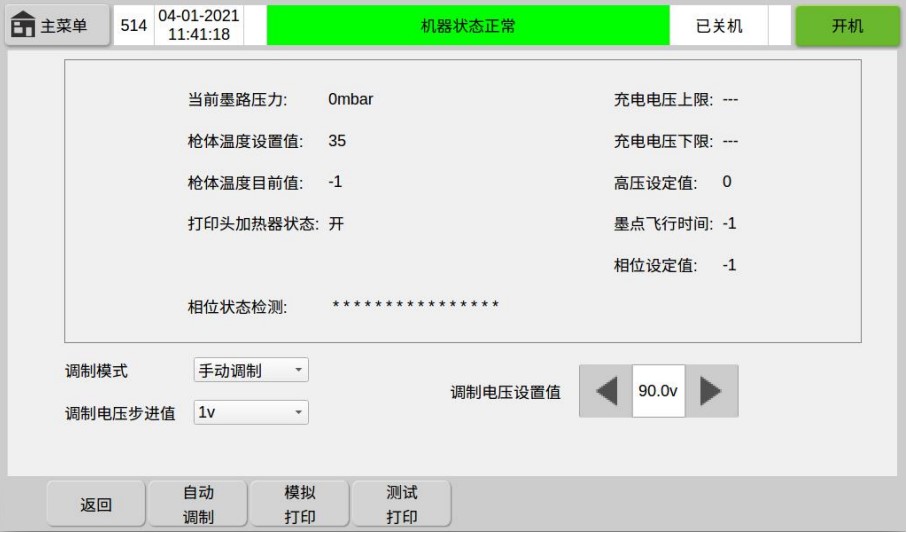
3. High-voltage failure
1. Clean the high-pressure deflection plate and keep the deflection plate dry and free from moisture
2. Shielding failure
4. Yellow fault
1. Low ink balance: The ink chip balance is too low
Solution: You should sense a new ink bottle.
2. Please add ink: the liquid level in the ink tank is low
Solution: You should sense a new ink bottle.
3. Low solvent balance: The solvent chip balance is too low
Solution: A new solvent bottle should be sensed.
4. Please add solvent/solvent tank is empty: solvent tank liquid level is low/solvent tank liquid level is too low
Solution: A new solvent bottle should be sensed.Ÿ
5. Insufficient machine service hours left: There is not much machine maintenance service time left
Solution: Clean and maintain the machine in a timely manner, and turn it off in the service menu after completion. If the fault cannot be eliminated, please contact our maintenance personnel.Ÿ
6. The remaining hours of the main filter life are insufficient: the service life of the main filter expires
Solution: Sense the new main filter into the RFID sensing area and replace it.
7. Synchronizer is too fast: Synchronizer rotates too fast
Solution: Reduce production line speed or increase the external frequency division value.
5. Red fault
1. The ink information cannot be recognized: the machine cannot read the information corresponding to the ink
Solution: Check whether the ink label is damaged and whether the model is correct, and whether it is aligned with the RFID sensing area in the lower right corner of the mask.
2. Solvent information cannot be recognized: the machine cannot read the information corresponding to the solvent
Solution: Check whether the solvent label is damaged and the model number is correct, and whether it is aligned with the RFID sensing area in the lower right corner of the mask.
3. The ink tank is empty: the ink in the ink tank has been used up.
Solution: Touch a new ink bottle and pour the ink into the ink tank.
4. The machine service time is up: The machine maintenance service hours are up and the machine stops printing.
Solution: Clean and maintain the machine, and turn it off in the service menu after completion. If the fault cannot be eliminated, please contact the maintenance personnel.
5. The ink has expired: The ink has expired
Solution: Touch a new ink bottle and pour the ink into the ink tank.
6. Solvent has expired: Solvent has expired
Solution: Feel a new solvent bottle and pour the solvent into the ink tank.






